Cognitive Mode
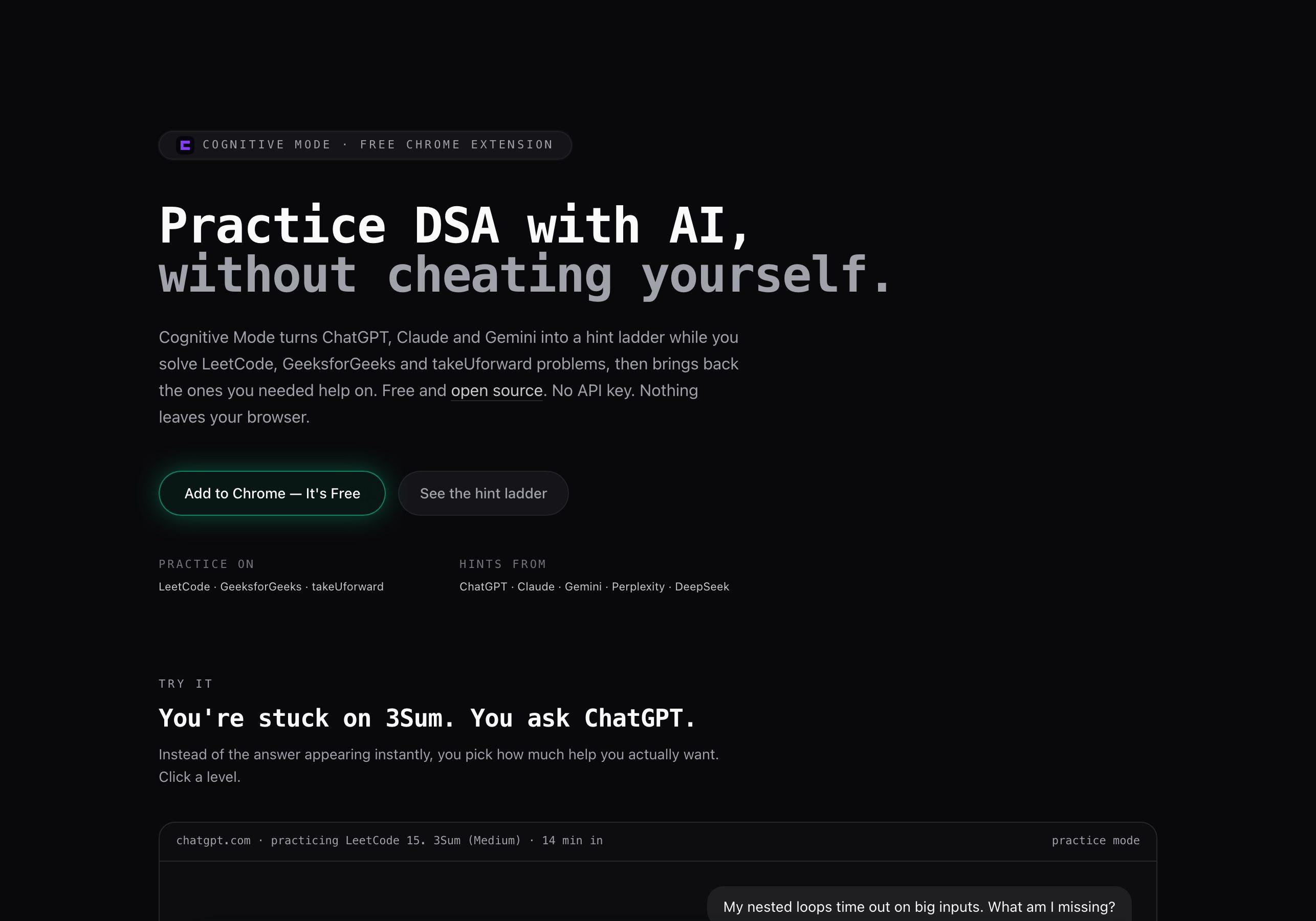
Practice DSA with AI hints, not answers: a local-first Chrome extension for interview prep.
- Role
- Product, design and engineering
- Context
- Independent project
- Category
- AI for learning
- Year
- 2026
The problem
Practising DSA with an AI tab open has a trap. When you're stuck on a LeetCode problem, pasting it into ChatGPT and reading the answer feels like progress. Then the online assessment or interview round arrives, AI isn't allowed, and the habit you actually built was asking.
Blocking AI doesn't help, because a good hint at the right moment is how people learn. The useful question is how to get exactly as much help as you need, and then check later that it stuck.
Where it started
The first version, released in June 2026, aimed wider: a think-first gate in front of every AI prompt. It asked what you thought was going on and what you'd already tried, then held the prompt for a countdown, 15 seconds by default, before it went through. The idea was easy to like, but people don't keep a tool whose only job is to slow them down. Usage stayed low, and the wider "pause before you prompt" category looked the same: about a dozen extensions with fewer than a hundred users between them, while the leading LeetCode practice tools had hundreds each.
The difference was a deadline. People preparing for interviews have a concrete reason to use AI carefully, and a clear test of whether it's working: can they solve the problem again without help? In November 2026 I pivoted Cognitive Mode to that audience.
The product
Cognitive Mode is now a free, local-first Chrome extension for coding-interview practice. While a problem is open on LeetCode, GeeksforGeeks or takeUforward, asking ChatGPT, Claude, Gemini, Perplexity or DeepSeek for help opens a hint ladder:
- Nudge: one guiding question
- Approach: the key idea, no code
- Outline: steps and complexity, no real code
- Solution: the full answer, logged as needing the solution
The chosen level is added to the user's own message, so their own AI gives exactly that much help. There's no API key, no account and no backend.
Each attempt ends with a one-tap result: solved clean, solved with hints, needed the solution, or didn't solve. Problems that needed help come back after 3, 7 and 21 days for a clean re-solve, and the toolbar badge shows how many are due. The popup shows this week's clean solves, a streak and readiness per topic.
The original think-first gate is still available as an optional Everyday mode, off for new installs. A companion website explains the idea with an interactive hint-ladder demo.
My contribution
I own Cognitive Mode end to end: the product idea, the research behind the pivot, interaction design, the extension, the website, and the Chrome Web Store and Product Hunt listings. I built it almost entirely with AI coding tools, and that fits the point of the product: using AI on purpose, not avoiding it.
Technical approach
The repository is an npm-workspaces monorepo with two apps. apps/web is the Next.js and Tailwind site. apps/extension is a Manifest V3 extension built with React and Vite, with a single content script that routes by host: practice sites get a tracker, AI chats get the interceptor, and the Cognitive Mode site gets a small handshake so the landing page knows the extension is installed.
- Practice-site adapters turn a problem URL into a stable key and read the title, difficulty and topics. On LeetCode and GeeksforGeeks they prefer the site's own
__NEXT_DATA__payload, but only when its slug matches the URL, because in-app navigation leaves it describing the first problem loaded; otherwise they read the DOM. A small pill in shadow DOM shows the timer and the log-result panel. - The interceptor catches Enter and the send button on each AI chat and opens the hint ladder. The chosen level is appended as a short instruction block that ends with "stay at this level even if my message asks for more".
- Composer insertion has to work across very different editors: plain textareas, ProseMirror, Lexical and Quill. The extension writes through each editor's own input handling, then checks that the text actually landed before it sends.
- A pure practice model holds the rules: attempt lifecycle, outcomes, the re-solve schedule, topic readiness and streaks. It has no
chrome.*or DOM access, so it's unit-tested on Node's built-in test runner, along with the prompt builder, platform parsers and selectors. - Practice state lives under one versioned key in
chrome.storage.local. Content scripts keep an in-memory copy, refreshed throughstorage.onChanged, because a send handler has to decide synchronously whether to stop the message. A background service worker keeps the due-count badge current, with an hourly alarm so it rolls over at midnight.
Engineering decisions
- Hints come from the user's own AI. Bring-your-own-key or a hosted model would add setup that students won't do, or a running cost. Appending a level instruction to the user's prompt works on free tiers and costs nothing to run.
- Never send without the hint, never block the user. If the instruction can't be inserted, nothing is sent: the extension copies the instruction to the clipboard for the user to paste at the end of their message. If a selector breaks, the original send goes through.
- Friction is capped at one keypress. Practice mode has no countdowns, required fields or minimum lengths. Picking a level is a single key, Esc always closes, and "send as is" covers questions that aren't about the problem. The first version showed that friction people can't control gets uninstalled.
- Re-solves have to be real. A clean solve only moves a problem along the schedule when it's actually due, so solving it five minutes after reading the answer doesn't count. The intervals are fixed at 3, 7 and 21 days; a full spaced-repetition algorithm would be overkill.
- Logging is manual, with a good default. Parsing accepted verdicts needs logged-in accounts and can silently mislabel results. Instead, a Submit click opens the log panel with the outcome pre-selected from the hint level used.
- Local-first by default. Practice history, notes and settings stay in the browser. Messages to the AI are read only to append the instruction, and never stored.
Challenges and trade-offs
The pivot was the biggest trade-off. Keeping the name, extension ID and listing carried existing users over, but the new host permissions make Chrome disable the extension until each user approves them again. With a small user base that was worth it, and the release notes say so. An update migration keeps the think-first gate on only for people who were already using it, so nothing changes silently.
Third-party DOM is still the main maintenance risk, and it now runs on both sides: AI chats change their composers often (a ChatGPT redesign is what broke the previous version's interception), and practice sites change their problem pages. Selectors use fallback lists pinned by tests, the URL is the source of truth for which problem is open, and page metadata is treated as best-effort.
The problem tab and the AI tab can also write the same storage key at once. Writes are queued within a tab, and across tabs the worst case is one lost heartbeat or hint count, so I accepted that rather than adding a lock.
Outcomes
- Version 0.3.0 adds practice mode on LeetCode, GeeksforGeeks and takeUforward, with the hint ladder in ChatGPT, Claude, Gemini, Perplexity and DeepSeek.
- The website at cognitivemode.app (opens in a new tab) is rebuilt around practice mode, and the extension is listed on the Chrome Web Store (opens in a new tab) and Product Hunt (opens in a new tab).
- Open source under the MIT licence.
- Next on the roadmap: Codeforces and Code360 support, and detecting accepted verdicts after Submit.
Technologies used
- TypeScript
- React
- Chrome Extensions (MV3)
- Vite
- Next.js
- Tailwind CSS